
AI Photography Prompts for Creators Who Want Better Results
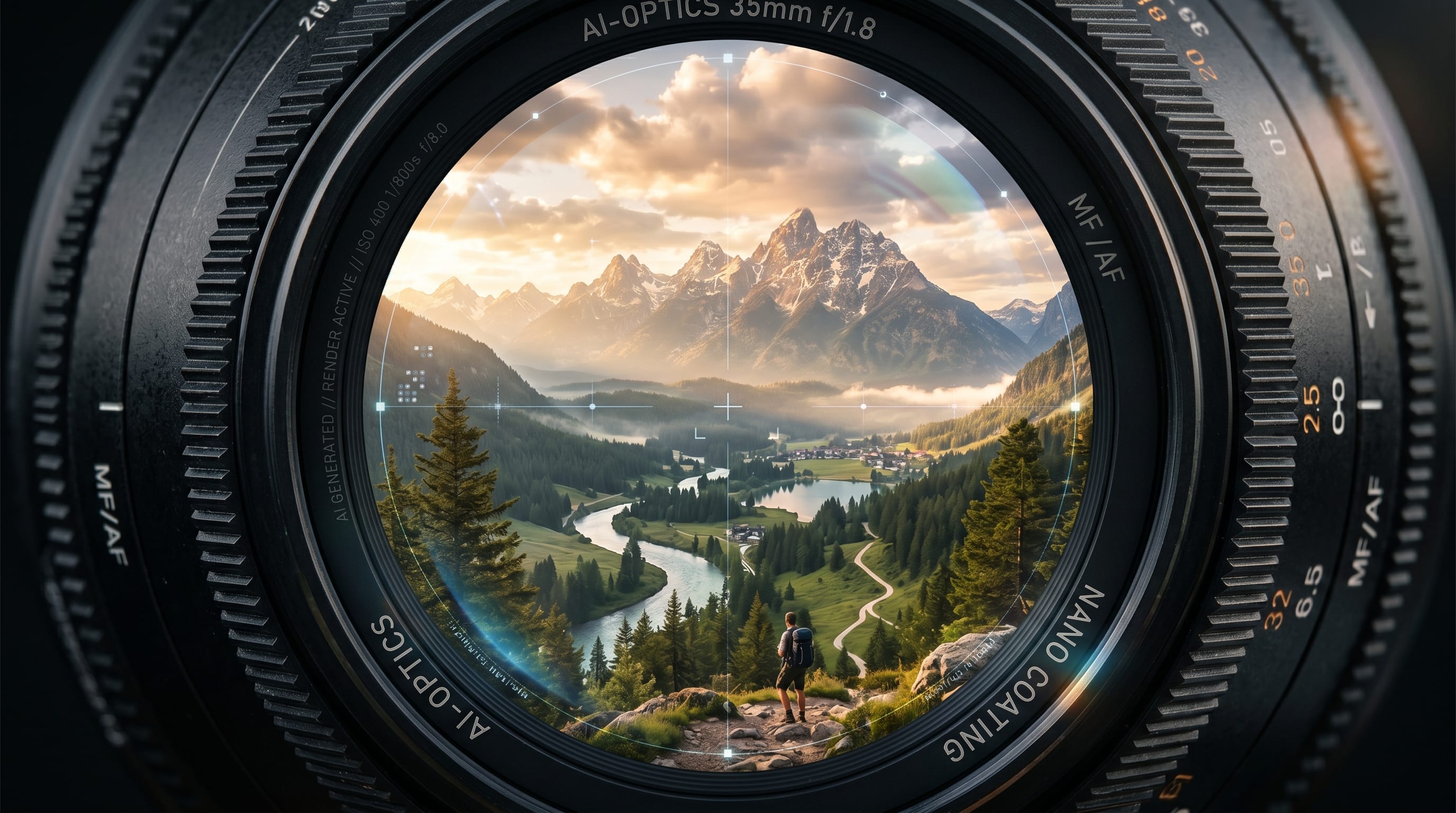
If you want to create high-quality visuals, using the right AI photography prompts is essential. Many creators struggle to get consistent results because their prompts lack detail and structure. Well-crafted AI photography prompts help you control lighting, composition, and style to achieve more professional outcomes.
In this guide, you’ll learn how to write effective AI image prompts for photography, along with ready-to-use examples. Whether you are creating portraits, product images, or cinematic scenes, these AI image prompts for photography will help you achieve better results.
Why AI Photography Prompts Matter for Image Quality
Using structured AI image prompts for photography improves your output significantly.
Benefits include:
- Better image control
- More realistic results
- Faster creative workflow
When you refine your AI photo prompts, your visuals become more consistent and professional.
Key Elements in AI Photography Prompts for Better Results
Strong AI photo prompts include several important elements.
1. Subject Description
Clearly define what you want to generate.
2. Lighting Details
Specify lighting type such as soft, natural, or cinematic.
3. Camera Settings
Include lens type, depth of field, and angle.
4. Style and Mood
Define tone such as minimal, dramatic, or vibrant.
Combining these elements improves your AI photography quality.
Portrait AI Photography Prompts for Realistic Results
Portraits are one of the most popular uses of AI photo prompts.
Example Prompts
- Professional portrait of a young woman, soft natural light, shallow depth of field, 50mm lens, realistic skin tones
- Studio portrait with dramatic lighting, dark background, high contrast, cinematic style
- Outdoor portrait during golden hour, warm tones, soft shadows, natural expression

These AI photo prompts help create realistic and detailed portraits.
Product AI Photography Prompts for Clean Visuals
Product visuals benefit greatly from structured AI photo prompts.
Example Prompts
- Minimal product shot on white background, soft shadows, high detail, studio lighting
- Cosmetic product with pastel background, soft lighting, clean composition
- Tech product on dark background, glowing edges, cinematic lighting

Using these AI photo prompts, your product images look more professional.
Also Read: Best 50 Creative AI Image Prompts for Stunning Visual
Lifestyle AI Photography Prompts for Social Content
Lifestyle visuals require natural and engaging AI photo prompts.
Example Prompts
- Cozy coffee shop scene, warm lighting, candid moment, natural composition
- Workspace setup with laptop and coffee, soft daylight, minimal style
- Travel scene with mountains, golden hour lighting, wide angle shot

These AI photo prompts create relatable and engaging content.
Cinematic AI Photography Prompts for Dramatic Effects
Cinematic visuals are powerful when using detailed AI photo prompts.
Example Prompts
- Night city street with neon lights, reflections, cinematic composition, moody atmosphere
- Desert landscape with dramatic shadows, wide shot, golden light
- Rainy street scene, soft reflections, film style color grading

These AI photo prompts add depth and storytelling to your images.
Minimalist AI Photography Prompts for Clean Aesthetic
Minimalist style is growing in AI photo prompts.
Example Prompts
- Minimal portrait with neutral background, soft lighting, clean composition
- Product shot with simple layout, high contrast, negative space
- Abstract minimal scene with geometric shapes and soft colors

These AI photo prompts create clean and modern visuals.
Tips to Write Better AI Photography Prompts
To improve your AI photo prompts, follow these tips:
- Be specific with details
- Use clear structure
- Combine style and lighting
- Experiment with variations
These techniques make your AI photo prompts more effective.
Also Read: Funny Cartoon AI Prompts For Kids: The Big List
Common Mistakes in AI Photography Prompts
Avoid these mistakes:
- Writing vague prompts
- Missing lighting details
- Overloading too many elements
- Ignoring composition
Fixing these issues improves your AI photo prompts results.
Tools to Use with AI Photography Prompts
Using the right tools enhances your AI photo prompts workflow.
Popular tools include:
- Midjourney for creative visuals
- DALL·E for concept image
- Leonardo AI for detailed outputs
These tools work well with structured AI photo prompts.
How AI Photography Prompts Improve Creative Workflow
Using strong AI photo prompts helps you:
- Save time in content creation
- Explore creative ideas faster
- Produce consistent visuals
Well-written AI photo prompts improve both quality and efficiency.
Also Read: Best AI Tools for Designers and Creators Right Now
Final Thoughts on AI Photography Prompts
Mastering AI photography prompts is essential for creators who want better results. By understanding structure, lighting, and composition, you can generate high-quality visuals consistently.
Start experimenting with these AI photography prompts and refine your approach. With practice, you will create visuals that look professional, creative, and engaging.

For high-quality fonts to boost your income, check out DM Letter Studio. Our professional fonts are perfect for branding, marketing, and content creation. So, don’t miss this opportunity.