
AI Photography Tools for Better Editing and Creative Results
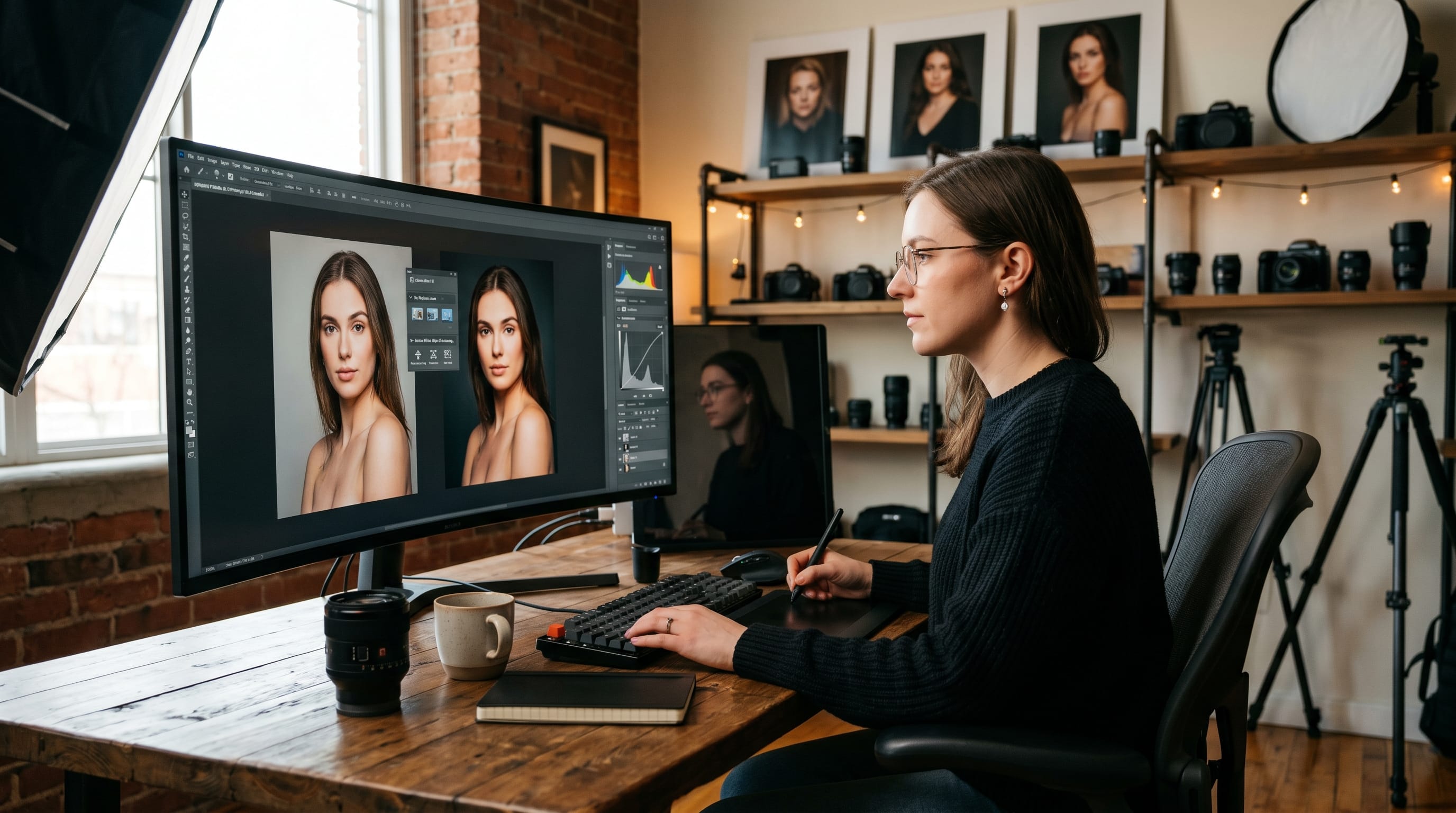
Modern AI photography tools are transforming the way creators and professionals edit, enhance, and manage images. Many photographers spend hours on manual retouching, color correction, and workflow organization. Professional AI photography tools help creators save time while improving image quality, creative flexibility, and editing efficiency.
In this guide, you’ll discover the best AI photography tools for image enhancement, retouching, background editing, workflow management, and creative photography. Whether you are a beginner creator or professional photographer, these AI photography tools can help you achieve better editing and creative results.
Why AI Photography Tools Matter
Modern AI tools for photography improve both creativity and workflow efficiency.
Benefits include:
- Faster photo editing
- Better image quality
- Improved creative workflow
- Smarter retouching automation
Professional AI tools for photography help creators focus more on creativity instead of repetitive tasks.
AI Photography Tools for Photo Editing
Editing becomes faster and smarter with modern AI tools.
1. Adobe Photoshop AI Features
Supports generative fill, object removal, and AI-powered enhancements.
2. Luminar Neo
Popular for portrait retouching and landscape editing.
3. ON1 Photo RAW
Combines photo management and AI editing features.
These editing-focused AI tools improve image workflow significantly.
AI Photography Tools for Portrait Retouching
Portrait creators rely heavily on AI tools for professional results.
1. Retouch4me
Automates skin retouching and facial enhancement.
2. Evoto AI
Supports portrait retouching and lighting adjustments.
3. PortraitPro
Enhances facial details and beauty retouching.
Portrait-focused AI tools simplify professional editing.
AI Photography Tools for Background Editing
Background editing is faster with smart AI tools.
1. Remove.bg
Automatically removes image backgrounds instantly.
2. Canva AI Background Remover
Useful for content creators and marketers.
3. Photoshop Generative Fill
Expands and edits image backgrounds creatively.
These background-focused AI tools improve creative flexibility.
Also Read: AI Photo Editing Tools for Sharp Images and Better Lighting
AI Photography Tools for Image Enhancement
Image quality improvement is one of the biggest advantages of AI tools for photography.
1. Topaz Photo AI
Enhances image sharpness and reduces noise.
2. Gigapixel AI
Upscales low-resolution images with AI enhancement.
3. Remini
Improves blurry portraits and old photos.
Enhancement-focused AI tools improve professional image quality.
AI Photography Tools for Workflow Management
Workflow efficiency matters for creators handling large projects.
1. Adobe Lightroom AI Features
Organizes and edits large photo collections.
2. Capture One
Supports advanced color grading workflow.
3. Excire Foto
Uses AI for smart image organization.
Workflow-focused AI tools help photographers stay productive.
AI Photography Tools for Creative Effects
Creative editing becomes easier with modern AI tools.
1. Runway ML
Supports AI-powered visual effects and creative editing.
2. Canva AI
Generates artistic social media visuals.
3. Prisma
Transforms photos into artistic styles.
Creative-focused AI tools improve visual experimentation.
AI Photography Tools for Social Media Creators
Content creators use AI tools to improve online visuals quickly.
1. CapCut AI Features
Supports AI-powered video and photo editing.
2. Canva Magic Studio
Generates social-ready visual content.
3. PicsArt AI
Adds creative effects and enhancements.
These creator-focused AI tools improve social media workflow.
Also Read: Photoshop Tutorial Photo Editing for Better Contrast
Common Mistakes When Using AI Photography Tools
Avoid these mistakes:
- Over-editing portraits
- Using excessive AI filters
- Ignoring original image quality
- Overcomplicating editing workflow
Avoiding these issues improves your use of AI tools for photography.
Tips to Improve Workflow with AI Photography Tools
To improve photography workflow:
- Use AI for repetitive tasks
- Keep edits natural and balanced
- Organize image files consistently
- Combine AI tools with manual creativity
These tips strengthen your AI tools strategy for photography.
How AI Photography Tools Improve Creative Results
Professional AI tools for photography help creators:
- Save editing time
- Improve image quality
- Explore creative visual ideas faster
The right tools improve both workflow and artistic flexibility.
AI Photography Tools for Future Creative Workflow
AI technology continues shaping photography workflow.
1. Smarter Editing Automation
AI tools continue improving retouching quality.
2. Better Content Generation
Creators can experiment with new visual concepts faster.
3. Integrated Creative Workflow
Future platforms combine editing, organization, and publishing.
Future-focused AI tools for photography will continue transforming digital creativity.
Also Read: Best 50 Creative AI Image Prompts for Stunning Visual
Final Thoughts on AI Photography Tools
Modern AI photography tools are essential for creators and professionals who want faster editing workflow and stronger visual results. By combining smart enhancement systems, creative AI effects, workflow management, and branding strategies, photographers can create more polished and engaging visual content.
Start experimenting with different AI tools for photography and continue refining your editing process over time. With the right combination of creativity and AI-powered workflow, your photography projects can become more efficient, professional, and visually impressive.

For high-quality fonts to boost your income, check out DM Letter Studio. Our professional fonts are perfect for branding, marketing, and content creation. So, don’t miss this opportunity.