
How to Choose the Best AI Video Tools for YouTube
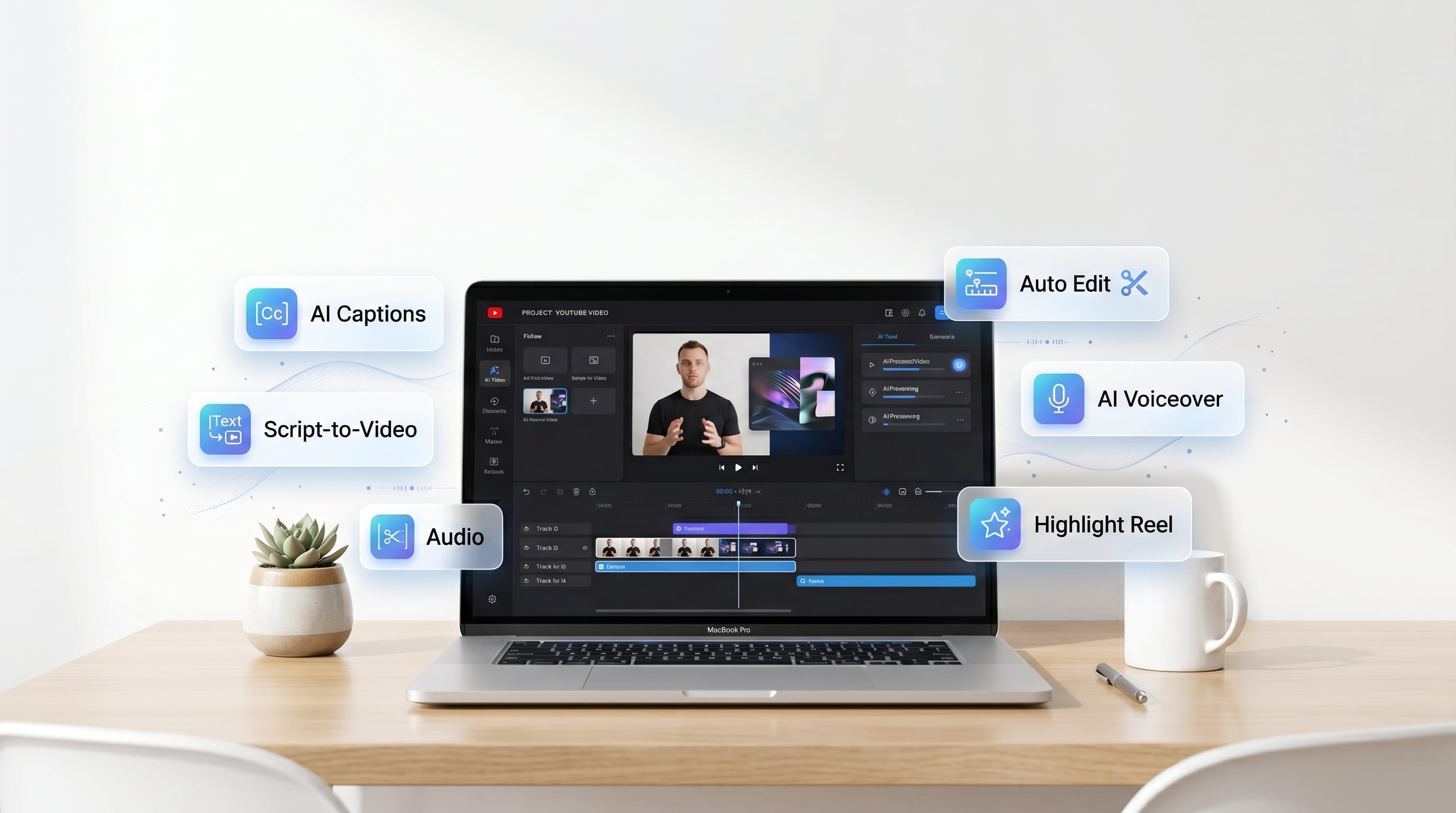
The rise of artificial intelligence has transformed how creators produce content. Today, AI video tools can help YouTubers generate scripts, edit videos, create voiceovers, design thumbnails, automate workflows, and even produce complete videos with minimal manual effort. As competition on YouTube continues increasing, creators are searching for smarter ways to improve efficiency while maintaining content quality.
Modern AI video tools allow creators to reduce production time, improve consistency, and focus more on strategy and creativity. However, with dozens of platforms available, choosing the right solution can feel overwhelming. Some tools specialize in editing, while others focus on voice generation, scripting, content planning, or video creation.
This guide explores how to evaluate AI video tools, compare popular options, and build a workflow that supports long-term YouTube growth.
Why AI Video Tools Matter for YouTubers
Video production can be time-consuming.
The best AI video tools help creators:
- Save editing time
- Generate content ideas
- Improve video quality
- Automate repetitive tasks
- Scale production
- Improve consistency
- Increase productivity
AI supports creators without replacing creativity.
Understanding Different Types of AI Video Tools
Not all AI platforms serve the same purpose.
1. AI Script Writing Tools
These tools help create:
- Video scripts
- Content outlines
- Video hooks
- Video titles
- Descriptions
Script generation is one of the most common uses of AI.
2. AI Video Editing Tools
Editing-focused solutions help with:
- Cutting footage
- Removing silence
- Auto-captioning
- Scene detection
- Video enhancement
Editing automation saves significant time.
3. AI Voice Generation Tools
Voice AI platforms generate:
- Narration
- Voiceovers
- Character voices
- Multilingual audio
These tools are popular among faceless YouTube channels.
4. AI Video Creation Platforms
Some tools create videos from:
- Text prompts
- Scripts
- Images
- Templates
These platforms automate much of the production process.
Key Features to Look for in AI Video Tools
Before choosing software, evaluate core features.
1. Ease of Use
The best AI video tools should be easy to learn.
Look for:
- Clean interfaces
- Beginner-friendly workflows
- Helpful tutorials
- Fast setup
Complex tools can slow production.
2. Editing Capabilities
Important editing features include:
- Auto captions
- Timeline editing
- Audio cleanup
- Video enhancement
Strong editing functionality increases efficiency.
3. Export Quality
Evaluate:
- Resolution support
- Frame rates
- File formats
Professional exports improve viewer experiences.
Best AI Video Tools for Script Writing
Script quality often determines video success.
1. ChatGPT
Best for:
- Video scripts
- Content ideas
- Research summaries
- Video outlines
Benefits include:
- Fast content generation
- Flexible prompting
- Strong idea development
Many creators start their workflow here.
2. Claude
Best for:
- Long-form scripts
- Educational videos
- Research-heavy content
Claude handles large amounts of information effectively.
Best AI Video Tools for Video Editing
Editing remains one of the most time-intensive tasks.
1. CapCut AI
Best for:
- YouTube Shorts
- Social media videos
- Auto captions
- Quick editing
Benefits include:
- Beginner-friendly workflow
- Fast editing process
- Mobile and desktop support
2. Descript
Best for:
- Podcast editing
- Talking-head videos
- Voice editing
Features include:
- Text-based editing
- AI voice correction
- Automatic transcription
Descript simplifies content production.
3. Adobe Premiere Pro AI Features
Best for:
- Professional editing
- Advanced workflows
- High-quality productions
Adobe’s AI tools continue expanding.
Also Read: The Ultimate AI Writing Tools Comparison For Creators
Best AI Video Tools for Voiceovers
Voice quality affects viewer retention.
1. ElevenLabs
Best for:
- Realistic voiceovers
- Narration
- Character voices
Benefits include:
- Natural speech
- Multiple languages
- High-quality output
ElevenLabs is widely used by YouTube creators.
2. Murf AI
Best for:
- Business content
- Marketing videos
- Educational projects
Voice customization options are extensive.
Best AI Video Tools for Video Generation
Some creators want end-to-end solutions.
1. Pika
Best for:
- AI-generated animations
- Visual concepts
- Short-form content
AI-generated visuals continue improving rapidly.
2. Runway
Best for:
- Video generation
- AI effects
- Content enhancement
Runway remains one of the most popular creative AI platforms.
3. Synthesia
Best for:
- Presenter videos
- Training content
- Educational materials
Virtual presenters reduce production complexity.
AI Video Tools for YouTube Thumbnails
Thumbnails influence click-through rates.
1. Canva AI
Best for:
- Thumbnail design
- Channel branding
- Social media graphics
Benefits include:
- Templates
- AI image tools
- Easy editing
Canva remains a favorite among creators.
2. Adobe Express
Best for:
- Marketing graphics
- Thumbnail production
- Brand consistency
Fast workflows improve efficiency.
AI Video Tools for YouTube Automation
Automation helps creators scale.
1. TubeBuddy
Best for:
- Keyword research
- SEO optimization
- Channel management
Benefits include:
- Better discoverability
- Workflow improvements
2. vidIQ
Best for:
- Content research
- Trend discovery
- Video optimization
Many YouTubers use vidIQ for channel growth.
How to Evaluate AI Video Tools
Selecting the right platform requires planning.
1. Consider Your Content Type
Ask:
- Do you create Shorts?
- Long-form videos?
- Tutorials?
- Faceless content?
Different creators require different solutions.
2. Consider Your Budget
Compare:
- Free plans
- Monthly subscriptions
- Enterprise pricing
Budget influences tool selection.
3. Consider Your Workflow
Choose tools that integrate with existing processes.
Efficiency matters more than feature quantity.
Also Read: Best Free AI Tools Compared for New Creators
Recommended AI Workflow for YouTubers
1. Generate Content Ideas
Use:
Research audience interests.
2. Create Scripts
Develop:
- Hooks
- Outlines
- Full scripts
Script quality drives engagement.
3. Create Voiceovers
Use:
Professional narration improves quality.
4. Edit Videos
Use:
Refine pacing and presentation.
5. Create Thumbnails
Use:
Strong thumbnails increase clicks.
6. Optimize and Publish
Use:
Optimize titles, descriptions, and keywords.
Common Mistakes When Choosing AI Video Tools
1. Choosing Too Many Tools
More software does not always improve results.
Focus on tools that solve real problems.
2. Ignoring Learning Curves
Some platforms require significant training.
Consider ease of use before purchasing.
3. Prioritizing Features Over Workflow
The best solution is often the one that fits your existing process.
Efficiency should remain a priority.
Future Trends in AI Video Tools
Several developments continue shaping content creation.
1. AI Video Generation
Video generation quality is improving rapidly.
2. Personalized Content Creation
AI systems increasingly adapt to creator preferences.
3. End-to-End Automation
Future platforms may combine:
- Scripting
- Voiceovers
- Editing
- Publishing
into a single workflow.
Benefits of Using AI Video Tools
Creators who adopt effective AI video tools often achieve:
- Faster production
- Better consistency
- Improved productivity
- Lower production costs
- More scalable workflows
- Better content output
AI supports sustainable channel growth.
Also Read: AI Photo Editing Tools for Sharp Images and Better Lighting
Conclusion
The best AI video tools help YouTubers create content faster, improve production quality, and manage growing workloads. Whether you need script writing, editing, voice generation, thumbnail creation, or workflow automation, selecting the right tools can significantly improve efficiency and results.
By evaluating features, understanding workflow requirements, and choosing tools that align with your content goals, creators can build a streamlined production process that supports long-term YouTube success. As artificial intelligence continues evolving, AI video tools will become an increasingly valuable part of modern content creation.

For high-quality fonts to boost your income, check out DM Letter Studio. Our professional fonts are perfect for branding, marketing, and content creation. So, don’t miss this opportunity.