
UI/UX Design Checklist: 50 Checks for Better Products
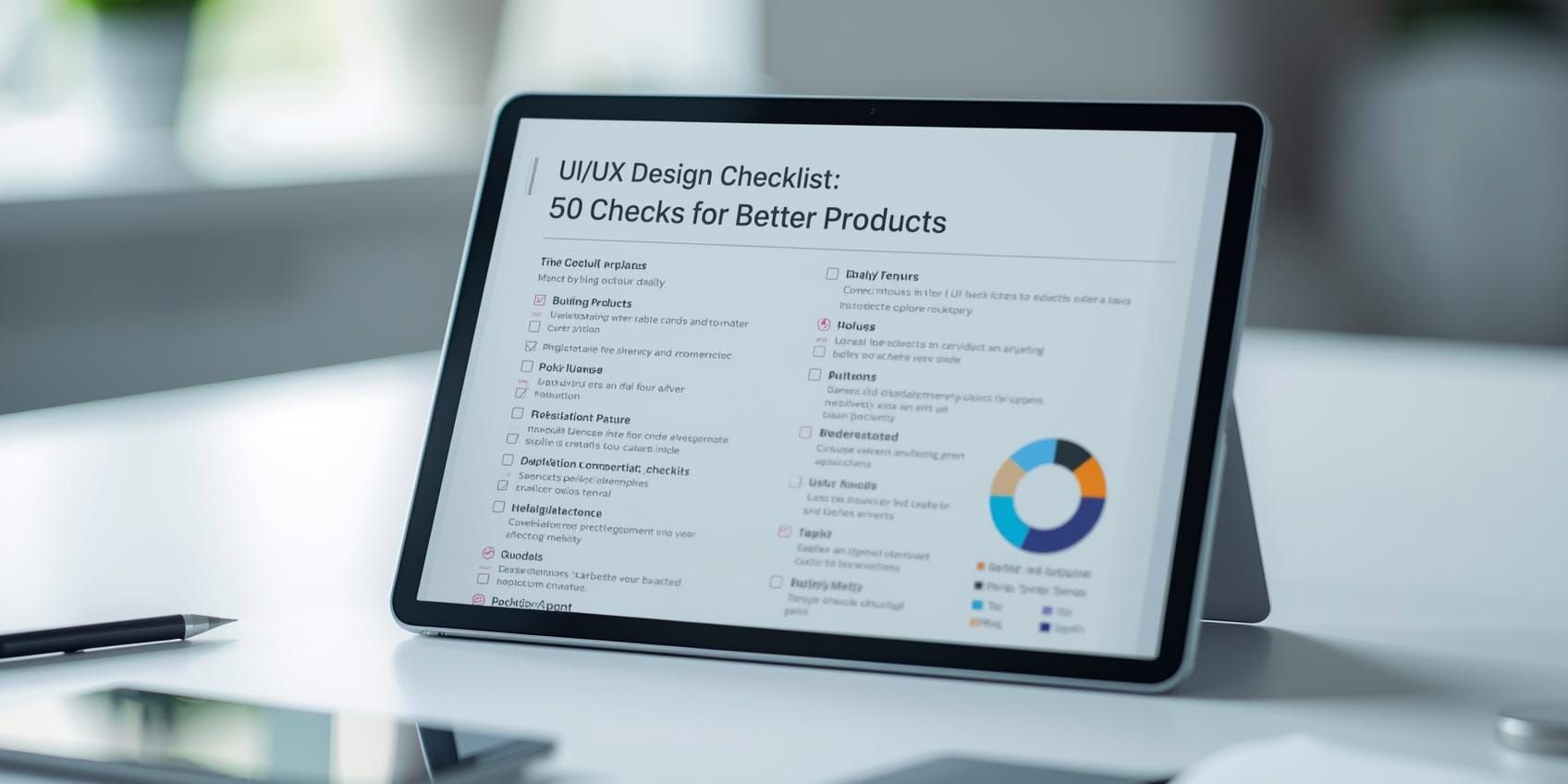
A strong UI/UX design checklist keeps teams from shipping avoidable problems, confusing flows, inconsistent components, weak empty states, or accessibility issues that could have been caught in review. The best part is that a checklist doesn’t slow you down. It speeds up decision-making because everyone reviews the same things in the same order. If you want better products with fewer revisions, this UI/UX design checklist is a practical place to start.
Below are 50 checks organized by category. You can run them during design reviews, pre-handoff QA, or as a final pass before launch.
UI/UX Design Checklist for Goals and User Flows
Before pixel perfection, confirm the flow makes sense.
- Primary user goal is obvious within 5 seconds of landing.
- One primary CTA per screen (especially in critical flows).
- User flow matches real intent (not internal org structure).
- No “dead ends”: every screen has a next step or escape.
- Back navigation works and doesn’t cause data loss.
- Critical flow steps are minimal (remove nice-to-have steps).
- Progress is visible for multi-step flows (stepper or status).
- Confirmation moments exist after important actions (saved, sent, paid).
This first section of the UI/UX design checklist prevents beautiful screens from supporting a broken journey.
UI/UX Design Checklist for Information Architecture and Navigation
Navigation should feel predictable, not clever.
- Labels use user language (not internal feature names).
- Navigation hierarchy is clear (primary vs secondary).
- Current location is visible (active states, breadcrumbs where needed).
- Search is easy to find if your product needs search.
- Filters and sorting are consistent across similar views.
- No duplicate navigation patterns (two different menus doing the same job).
- Footer or secondary nav includes essentials (help, settings, account).
A reliable UI/UX design checklist treats IA as a product feature, not an afterthought.
UI/UX Design Checklist for Layout, Spacing, and Visual Hierarchy
If hierarchy is weak, users feel “lost” even if the UI looks nice.
- One clear focal point per screen (headline, primary action, key data).
- Spacing is consistent (use an 8pt or 4pt grid).
- Alignment is clean (edges line up, no random offsets).
- Typography hierarchy is defined (H1, H2, body, caption).
- Line length is readable (avoid ultra-wide paragraphs).
- Important actions are visually prioritized (size, placement, contrast).
This part of the UI/UX design checklist is about making screens scannable.
Also Read: UX Web Design Playbook: Faster, Clearer, Better
UI/UX Design Checklist for Components and Design Systems
Consistency is what makes a product feel “real.”
- Buttons follow one system (primary, secondary, tertiary).
- States are defined (default, hover, active, disabled, loading).
- Forms use consistent patterns (labels, help text, spacing).
- Icons are consistent (stroke weight, style, sizing).
- Reusable components are documented (props, usage, examples).
- Design tokens exist (colors, spacing, typography values).
- No “one-off” UI unless it’s truly special and justified.
A strong UI/UX design checklist reduces future design debt.
Accessibility and Inclusive Design Checklist
Accessibility is product quality. Not a bonus.
- Text contrast meets readable standards (especially body text).
- Focus states are visible for keyboard users.
- Tap targets are large enough on mobile (no tiny buttons).
- Color is not the only signal (errors, status, selection).
- Forms have clear labels (not placeholders only).
- Motion is reduced or optional (avoid nausea-inducing effects).
- Error messages are readable and actionable (what happened, what to do).
This accessibility portion of the UI/UX design checklist helps more people succeed.
Microcopy and UX Writing Design Checklist
Microcopy is where users either feel guided or blamed.
- Buttons use clear verbs (Save, Send, Continue, Pay).
- Empty states explain what to do next (not just “Nothing here”).
- Error copy is helpful (no “Something went wrong” alone).
- Tone is consistent across the product (friendly, direct, professional).
- Instructions are placed where needed (near the action, not hidden).
Teams often skip copy reviews. This UI/UX design checklist makes copy part of QA.
Also Read: Mobile UX Trends: The New Rules for Small Screens
Forms and Input Validation Design Checklist
Forms are where conversions live or die.
- Required fields are clearly marked (and not too many).
- Inline validation exists where helpful (email format, password rules).
- Error placement is consistent (field-level + summary when needed).
- Input types match the data (numeric keypad for numbers, date picker for dates).
- Password rules are clear and visible before submission.
- Confirmation messages exist after successful submits.
If your product has sign-up, checkout, or onboarding, this section of the UI/UX design checklist is critical.
Loading, Empty, and Error States Design Checklist
Great products handle the “in-between” moments.
- Loading states give feedback (skeletons or spinners, not blank screens).
- Slow operations set expectations (“This may take up to 30 seconds”).
- Empty states are designed and include a next action.
- Error states include recovery paths (retry, back, contact support).
This is the section that separates good UI from production-ready UX. A strong UI/UX design checklist always includes states.
How to Use this UI/UX Design Checklist in a Real Team
A checklist works best when it’s part of your workflow, not a last-minute panic.
Best times to run the UI/UX design checklist
- Design review: during critique, use it to structure feedback
- Pre-handoff: confirm system and states before dev starts
- Pre-launch QA: run through critical flows on real devices
Make it a team habit
- assign 1 person per category (copy, a11y, components)
- track issues in a single doc or ticket list
- update the checklist when you learn something new
A living UI/UX design checklist gets smarter every release.
Also Read: UI/UX with AI: What Teams Should Know Now
Conclusion
Better products come from fewer avoidable issues and clearer decisions. This UI/UX design checklist gives design teams 50 checks for flows, navigation, hierarchy, system consistency, accessibility, copy, forms, and product states. Use it as a shared standard, and you’ll reduce revisions, speed up handoff, ship experiences users trust, and UI/UX design made easy.

For high-quality fonts to boost your income, check out DM Letter Studio. Our professional fonts are perfect for branding, marketing, and content creation. So, don’t miss this opportunity.
Comments are closed.