
UX Design Tools You Should Know for Better Results
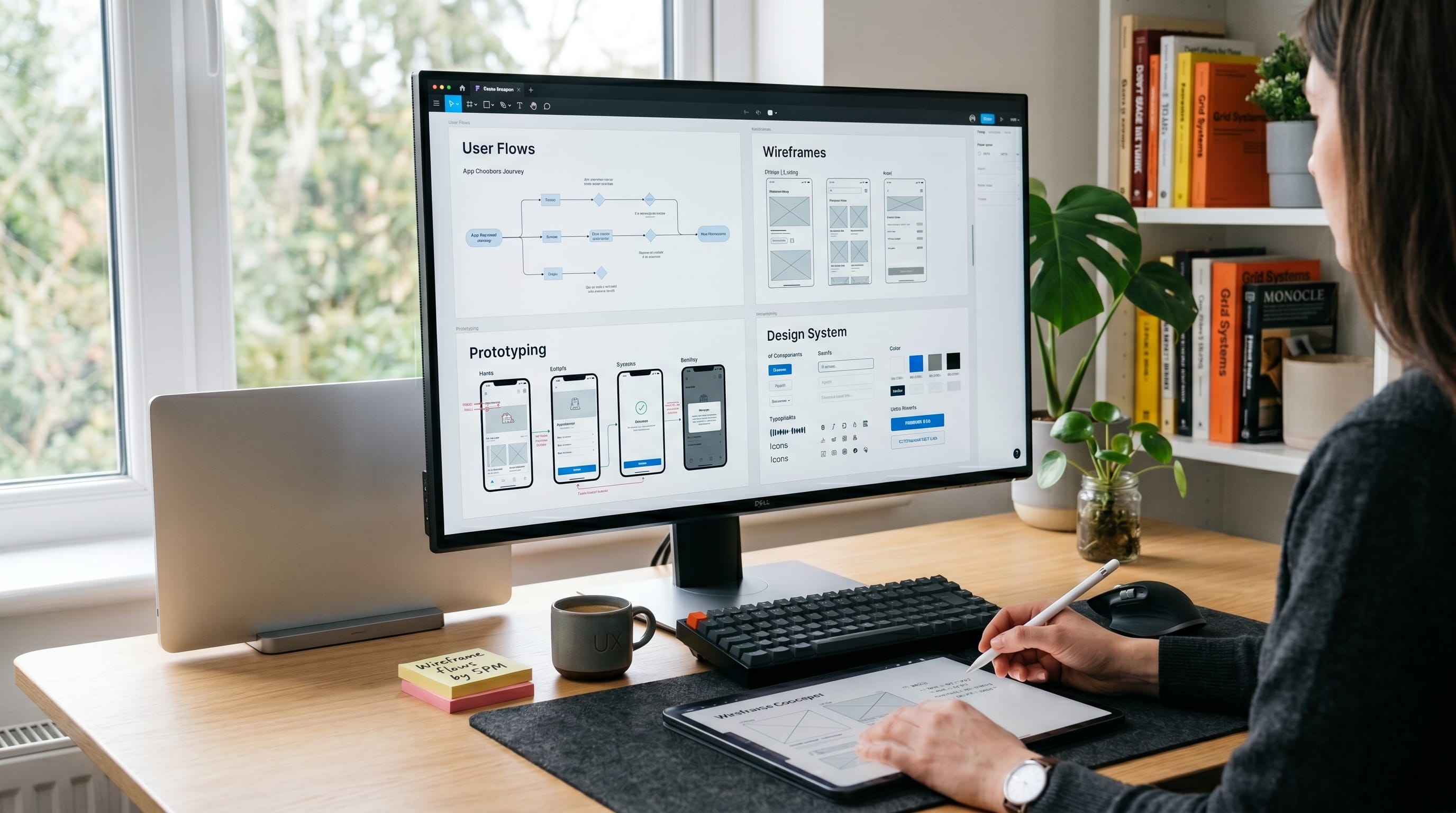
Using the right UX design tools can dramatically improve workflow, collaboration, and user experience quality. Many designers struggle with slow prototyping, poor communication, and inconsistent design systems because they don’t use tools built for modern product design. Professional UX design tools help teams create smoother workflows, stronger interfaces, and better user-centered experiences.
In this guide, you’ll discover the most useful UX design tools for wireframing, prototyping, collaboration, user research, and interface design. Whether you are a beginner designer or part of a creative team, these design tools can help you achieve better results.
Why UX Design Tools Matter
Modern design tools improve productivity and creative workflow.
Benefits include:
- Faster design process
- Better collaboration
- Improved user experience quality
Using professional design tools helps teams work more efficiently.
UX Design Tools for Beginners
Beginners should focus on easy-to-learn platforms.
1. Figma
Beginner-friendly and cloud-based.
2. Canva
Useful for fast visual creation.
3. Whimsical
Simple for flowcharts and wireframes.
These beginner-friendly design tools simplify the learning process.
Wireframing UX Design Tools
Wireframing is an essential part of UX workflow.
1. Figma
One of the most popular tools for collaborative interface design and wireframing.
2. Balsamiq
Perfect for low-fidelity wireframes and quick concepts.
3. Whimsical
Useful for wireframes and flowchart creation.
These wireframing-focused design tools improve early design planning.
Prototyping UX Design Tools
Interactive prototypes help teams test user experience ideas.
1. Adobe XD
Allows designers to create smooth interactive prototypes.
2. ProtoPie
Advanced prototyping tool with interactive animations.
3. Framer
Supports modern interactive UI experiences with real-time preview.
These prototyping-focused design tools improve user testing and presentation quality.
Also Read: Best UI/UX Tools 2026: New Tools Worth Trying
Collaboration UX Design Tools
Team communication is essential in product design.
1. Figma Collaboration Features
Supports real-time teamwork and feedback.
2. Miro
Useful for brainstorming and UX workshops.
3. Slack
Improves communication between designers and developers.
Collaboration-based design tools support faster project workflow.
User Research UX Design Tools
Research improves user-centered design decisions.
1. Hotjar
Tracks heatmaps and user behavior.
2. Maze
Supports usability testing and feedback collection.
3. Typeform
Useful for surveys and audience research.
Research-focused design tools help designers understand user needs better.
UI and Visual UX Design Tools
Visual consistency is important in UX projects.
1. Sketch
Popular for UI design systems and components.
2. Canva
Useful for quick visual assets and presentations.
3. Adobe Illustrator
Perfect for icons and custom visual assets.
These visual-focused design tools improve interface aesthetics.
Design System UX Design Tools
Strong design systems improve scalability.
1. Figma Libraries
Create reusable components and styles.
2. Zeroheight
Documents design systems for teams.
3. Storybook
Useful for UI component management.
Design-system-focused design tools improve consistency across projects.
Also Read: UX Writing Tools for Faster Reviews and Better Collaboration
Advanced UX Design Tools for Teams
Larger teams often need advanced workflow systems.
1. Framer
Supports advanced interactive experiences.
2. Jira
Helps manage design tasks and sprints.
3. Notion
Useful for documentation and project planning.
Advanced design tools improve productivity in larger teams.
Common Mistakes When Using UX Design Tools
Avoid these mistakes:
- Using too many tools at once
- Ignoring design consistency
- Overcomplicated workflows
- Weak collaboration processes
Avoiding these issues improves your use tools for UX design.
Tips to Improve Workflow with UX Design Tools
To improve design workflow:
- Use consistent design systems
- Focus on user-centered design
- Test prototypes regularly
- Simplify team communication
These tips maximize your UX design workflow.
How UX Design Tools Improve User Experience
Using professional design tools helps teams:
- Create smoother interfaces
- Improve usability testing
- Build stronger collaboration systems
The right tools improve both creativity and functionality.
Also Read: Free UI/UX Tools for Research, Testing, and Feedback
Final Thoughts
Modern UX design tools are essential for designers and creative teams who want better workflow and stronger user experience results. By combining wireframing tools, prototyping software, research platforms, and collaboration systems, teams can create more effective and visually engaging products.
Start exploring different tools for UX design and refine your workflow over time. With the right combination of creativity, usability, and collaboration, your design projects can become more efficient, professional, and user-friendly.

For high-quality fonts to boost your income, check out DM Letter Studio. Our professional fonts are perfect for branding, marketing, and content creation. So, don’t miss this opportunity.