
How to Create Professional Product Photos With AI
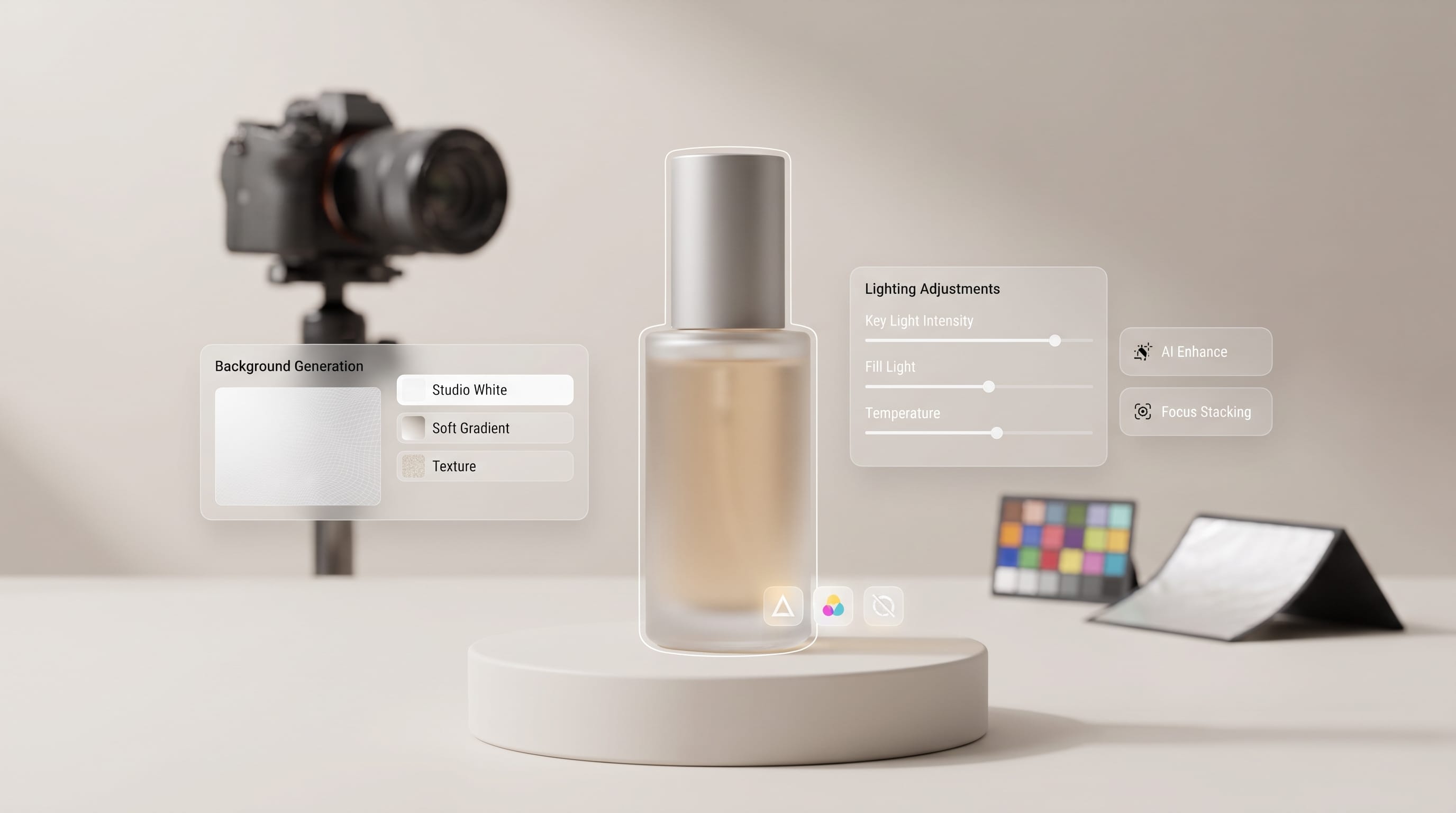
Creating professional product photos with AI can help ecommerce brands produce polished visuals without arranging a completely new photography setup for every campaign. AI can remove backgrounds, build studio scenes, generate lifestyle environments, improve composition, and create new visual variations from an existing product image. However, professional results still depend on accurate product photography, believable lighting, careful prompting, and detailed quality control.
The goal should not be to let AI redesign the product.
Instead, use AI to improve the environment around a real and accurate product image.
This approach can help online stores create more content for product listings, social media, Pinterest, advertisements, landing pages, and seasonal campaigns while maintaining a consistent visual identity.
This guide explains how to create product photos with AI step by step while keeping the final images realistic, professional, and appropriate for ecommerce.
What Are Product Photos With AI?
Product photos with AI are product images that use artificial intelligence during one or more stages of creation or editing.
AI tools may help with:
- Background removal
- New background generation
- Lifestyle environments
- Lighting adjustments
- Shadow creation
- Object cleanup
- Image expansion
- Composition variations
- Retouching
- Upscaling
For example, an ecommerce brand might photograph a perfume bottle on a simple white background.
AI can then place that same bottle on a dark marble surface with elegant studio lighting.
Another company might photograph a coffee package once and create multiple settings, including a kitchen counter, cafe table, and seasonal holiday scene.
The product remains real while the surrounding presentation changes.
Why Create Product Photos With AI?
Traditional product photography can involve considerable planning.
Brands may need:
- Studio space
- Cameras
- Lighting
- Props
- Backgrounds
- Photographers
- Retouching
- Multiple shooting sessions
Professional photography remains valuable, especially when accurate product presentation is essential.
However, creating product photos with AI can make content production more flexible.
One clean source photograph can potentially support:
- Product listing images
- Lifestyle photos
- Pinterest graphics
- Social posts
- Advertising creatives
- Homepage banners
This is especially useful for ecommerce brands that frequently need fresh marketing visuals.
1. Start With an Accurate Product Image
The quality of your source image matters.
AI works much better when the product is already photographed clearly.
Start with:
- Sharp focus
- Accurate colors
- Clean edges
- Good resolution
- Correct proportions
- Minimal unwanted reflections
A simple white, gray, or neutral background often makes the product easier to isolate.
Keep Real Product Details
Important details should remain accurate.
These may include:
- Logo
- Packaging text
- Labels
- Materials
- Buttons
- Handles
- Stitching
- Product shape
Do not depend on AI to recreate these elements.
Generated text, logos, and packaging details can easily become distorted.
When creating product photos with AI, preserve the original product whenever possible and generate only the surrounding scene.
2. Remove the Background Cleanly
Many AI workflows begin by isolating the product.
After removing the original background, inspect the edges carefully.
Pay particular attention to:
- Transparent bottles
- Hair-like fibers
- Jewelry chains
- Thin straps
- Glass
- Reflective surfaces
Look for unwanted problems such as:
- White halos
- Missing sections
- Jagged outlines
- Incorrect transparency
A clean product cutout makes the final composition look significantly more realistic.
3. Decide the Visual Style
Before generating anything, define how the image should feel.
Common styles include:
Clean Studio
Best for product listings and marketplaces.
Luxury Editorial
Useful for perfume, jewelry, fashion accessories, or premium cosmetics.
Natural Lifestyle
Good for wellness, skincare, food, and sustainable products.
Minimalist
Effective for technology, furniture, homeware, and contemporary brands.
Playful
Suitable for children’s products, candy, beauty, or colorful lifestyle brands.
A clear style direction prevents your product photos with AI from looking random from one image to another.
4. Write Better Prompts for Product Photos With AI
Prompt quality can make a major difference.
Avoid vague requests such as:
“Create professional product photography.”
Instead, describe the important parts of the scene.
A useful formula is:
Product + surface + background + lighting + camera angle + mood + composition
For example:
“Skincare bottle standing on light travertine stone, warm beige background, soft window light from the left, realistic contact shadow, eye-level commercial product photography, minimal luxury styling, clean composition.”

The more specific the visual direction, the easier it becomes to create consistent product photos with AI.
Create Clean Studio Product Photos With AI
For ecommerce listings, simple scenes often work best.
Try a prompt direction like:
“Product centered on seamless warm-white studio background, soft diffused lighting, subtle natural contact shadow, front-facing camera, accurate proportions, clean commercial product photography.”

Avoid filling the scene with unnecessary objects.
The product should immediately become the focal point.
This approach works well for:
- Cosmetics
- Electronics
- Packaged foods
- Accessories
- Home products
Create Luxury Product Photos With AI
Premium brands can use darker materials and more dramatic lighting.
A luxury prompt might describe:
“Product standing on polished dark stone, deep charcoal background, soft directional studio lighting, realistic reflections, subtle warm highlights, premium advertising photography.”

This style can work well for:
- Perfume
- Watches
- Jewelry
- Chocolate
- Premium skincare
Keep the supporting props minimal.
Luxury often feels stronger when the composition is restrained.
Also Read: Mobile Photography Tutorial for Creators Who Want Better Photos
5. Match Lighting and Shadows
Lighting is one of the biggest differences between realistic and artificial-looking product imagery.
If light appears to come from the left side of the scene, shadows should respond accordingly.
Useful lighting descriptions include:
- Soft window light from the left
- Diffused studio light
- Overhead softbox lighting
- Golden-hour side light
- Soft frontal illumination
When making product photos with AI, inspect whether the product and background appear to exist under the same lighting conditions.
Add a Contact Shadow
A product without a proper shadow may appear to float.
Ask for:
- Soft contact shadow
- Realistic grounding shadow
- Natural shadow falloff
The darkest part should generally appear close to the point where the product touches the surface.
6. Create Lifestyle Product Photos With AI
Lifestyle images help customers imagine how a product fits into everyday life.
Examples include:
- Candle on a bedside table
- Coffee package in a modern kitchen
- Skincare bottle in a bathroom
- Handbag on an entryway bench
- Lamp inside a styled living room
These product photos with AI are useful for social media, advertising, blog posts, and secondary ecommerce gallery images.
Keep Props Under Control
Do not overcrowd the composition.
A practical formula is:
One hero product + two or three supporting props
For a skincare bottle:
- Product
- Small towel
- Stone tray
- Simple branch
The props should support the product rather than compete with it.
7. Choose Better Camera Angles
Camera angle affects how customers perceive the product.
Eye-Level
Works well for:
- Bottles
- Boxes
- Electronics
- Cosmetics
45-Degree Angle
Useful for:
- Food
- Gift boxes
- Home products
Overhead
Ideal for:
- Stationery
- Clothing
- Food arrangements
- Flat products
Low Angle
Can create a stronger, more premium appearance.
Include the desired camera angle in your prompt instead of leaving composition entirely to the AI.
8. Keep Product Proportions Accurate
One common problem with generated product imagery is distortion.
AI may accidentally change:
- Height
- Width
- Lid size
- Packaging shape
- Handles
- Label placement
Compare every generated image with the original.
Professional product photos with AI should not make the product look significantly different from what customers will receive.
This is especially important for ecommerce listings.
Product Photos With AI for Beauty Brands
Beauty products work particularly well with AI-generated still-life scenes.
Useful materials include:
- Travertine
- Marble
- Glass
- Water
- Linen
- Wood
- Soft stone
For natural skincare, consider:
Sage green + beige + stone + botanical details
For luxury beauty:
Black + ivory + glass + subtle metallic accents
For playful cosmetics:
Pastels + geometric props + brighter studio lighting
Keep a consistent material and color system across the entire brand.
Product Photos With AI for Fashion Accessories
AI can also create environments for:
- Shoes
- Bags
- Sunglasses
- Watches
- Jewelry
For example, a handbag could be placed on a minimalist bench inside a warm contemporary interior.
A watch could appear on dark stone with focused side lighting.
Be especially careful with small construction details.
The AI should not invent clasps, logos, stitching, hardware, or accessories that the actual product does not contain.
9. Build Visual Consistency
Consistency is one of the most important parts of professional ecommerce imagery.
Define a repeatable style.
For example:
- Background: warm beige
- Surface: pale stone
- Lighting: soft left-side window light
- Camera: eye level
- Shadow: soft and realistic
- Props: maximum two
Then use similar directions across multiple products.
A consistent system makes product photos with AI feel like one professional brand campaign instead of unrelated AI generations.
10. Create Multiple Image Variations
One product does not need only one image.
You can build several assets from the same visual direction.
Image 1 – Main Listing Photo
Clean studio background.
Image 2 – Detail View
Closer crop emphasizing texture or features.
Image 3 – Lifestyle Scene
Product shown in context.
Image 4 – Advertising Image
Composition with space for promotional text.
Image 5 – Seasonal Version
Adapted for summer, holidays, or another campaign.
This workflow can reduce the need to design every marketing visual from scratch.
Also Read: Food Photography Tutorial for Creators Who Want Better Photos
11. Leave Negative Space for Text
When generating images for ads, banners, or Pinterest graphics, plan for copy placement.
Ask for:
- Product on the right
- Empty space on the left
- Clear background above product
- Wide horizontal composition
- Minimal objects around headline area
This makes your product photos with AI easier to reuse in marketing layouts.
Adding text later becomes much simpler because the composition already includes enough breathing room.
12. Retouch Every Final Image
Never assume an AI-generated result is automatically ready to publish.
Zoom in and inspect:
- Logos
- Product labels
- Shadows
- Reflections
- Edges
- Surface contact
- Props
- Perspective
Common AI errors include:
- Distorted writing
- Strange reflections
- Duplicate objects
- Broken textures
- Impossible shadows
- Misshapen packaging
Retouch or regenerate problematic areas.
Professional results usually require some human quality control.
13. Optimize Product Photos With AI for Ecommerce
After editing, prepare images for the final platform.
Consider:
- Image dimensions
- Aspect ratio
- File size
- Sharpness
- Export format
- Product scale
Keep product sizes visually consistent across catalog thumbnails.
If one product fills almost the entire image while another looks tiny, the shop grid may appear unprofessional.
Consistency makes the catalog easier to browse.
Avoid Misleading Customers
AI should improve presentation without creating false expectations.
Do not use it to:
- Change the actual product color
- Add features that do not exist
- Alter proportions
- Improve material quality unrealistically
- Remove permanent details
- Invent accessories without explanation
Accurate product photos with AI should still represent the real item.
Lifestyle scenes can be imaginative, but product features need to remain truthful.
Common Product Photos With AI Mistakes
Avoid these frequent problems.
Changing the Product
Preserve real details and proportions.
Unrealistic Lighting
Make sure the scene and product share one believable light source.
Too Many Props
Keep the product as the hero.
Distorted Labels
Use the real packaging artwork whenever possible.
Inconsistent Styles
Create a repeatable visual system.
Floating Products
Add realistic contact shadows.
Skipping Manual Review
Check every output before publishing it.
A Simple Workflow for Creating Product Photos With AI
Use this repeatable process:
Photograph the Real Product
Start with a clean, sharp image.
Remove the Background
Create an accurate cutout.
Choose a Visual Style
Studio, luxury, natural, lifestyle, or another direction.
Write a Detailed Prompt
Specify background, surface, lighting, angle, and composition.
Generate Variations
Create several options instead of accepting the first result.
Compare With the Original
Check proportions and product details.
Correct Lighting and Shadows
Make the scene physically believable.
Retouch Errors
Clean up labels, edges, props, or reflections.
Export for Ecommerce
Use consistent dimensions and crops.
Save the Successful Prompt
Reuse the visual system for future products.
This method makes it easier to create professional product photos with AI at scale.
Also Read: Product Photography Tutorial for Better Ecommerce Images
Final Thoughts on Creating Professional Product Photos With AI
Creating professional product photos with AI can give ecommerce brands a faster way to produce studio visuals, lifestyle scenes, advertisements, and seasonal campaign images.
The strongest workflow starts with a real, accurate product photograph.
AI can then help create backgrounds, lighting, environments, and visual variations without forcing the brand to organize a completely new photoshoot for every piece of marketing content.
Consistency is essential.
Use repeatable lighting, backgrounds, camera angles, surfaces, and props so the entire catalog feels connected.
Most importantly, protect product accuracy.
Customers should be able to trust that the colors, dimensions, packaging, materials, and important features shown in the image reflect what they are actually buying.
When accurate source photography, clear prompts, realistic lighting, thoughtful styling, and careful editing work together, product photos with AI can become a practical and scalable visual-content system for modern ecommerce brands.

For high-quality fonts to boost your income, check out DM Letter Studio. Our professional fonts are perfect for branding, marketing, and content creation. So, don’t miss this opportunity.