
Startup Website Design Checklist for a Strong First Launch
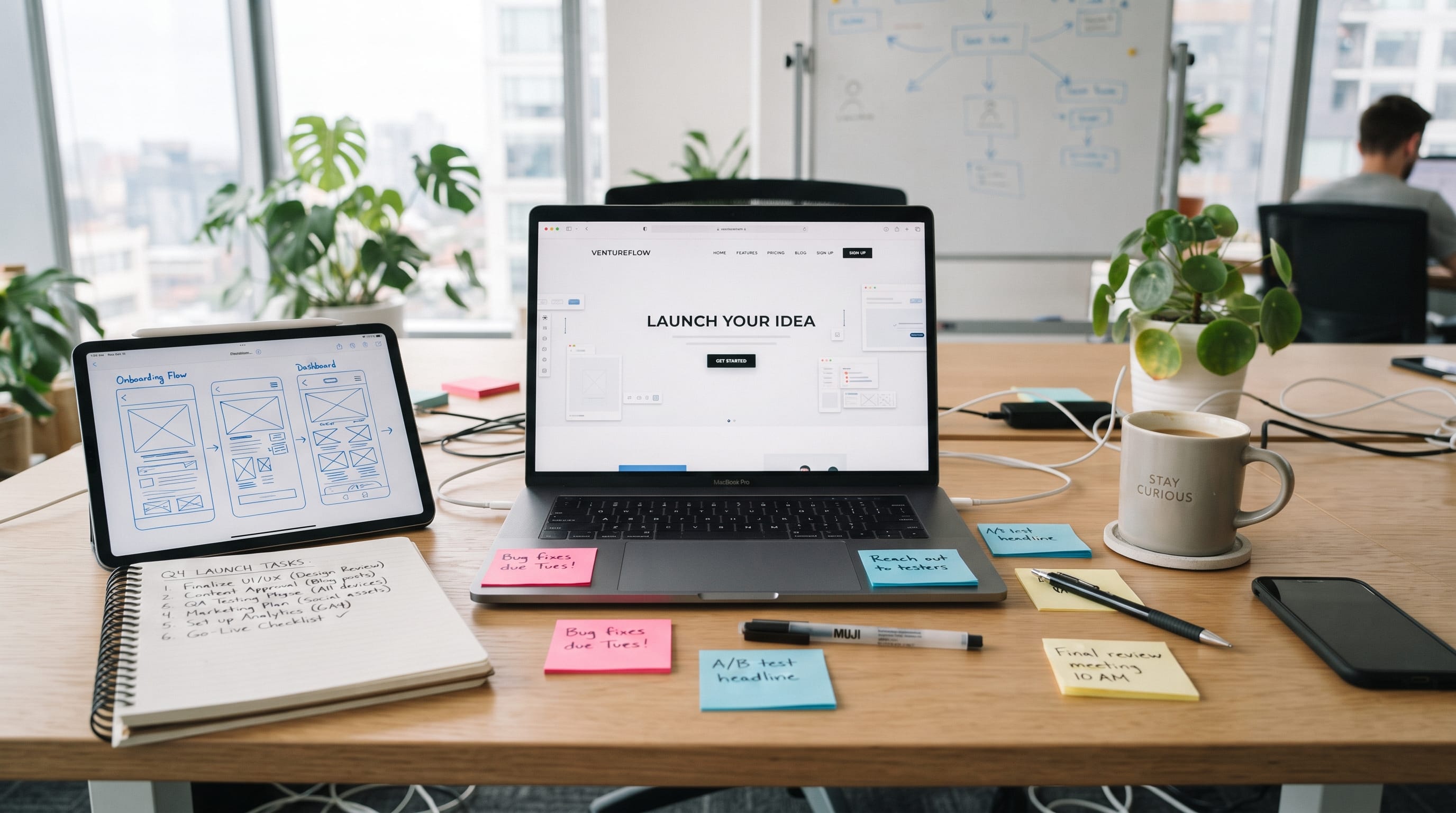
A practical startup website design checklist can help founders avoid common mistakes before launching a new business online. Your website is often one of the first places potential customers, partners, investors, or collaborators will interact with your startup. If the site feels confusing, unfinished, slow, or inconsistent, visitors may leave before they fully understand what your company offers.
A strong startup website does not need dozens of pages or complicated animations.
It needs to communicate the business clearly.
Visitors should quickly understand what you do, who your product is for, why it is useful, and what they should do next.
That means your first launch should focus on clarity, trust, usability, branding, mobile performance, and conversion rather than trying to make every page visually impressive.
Use this startup website design checklist before publishing your site to create a stronger foundation from day one.
1. Define the Goal Before Starting Your Startup Website Design
Before choosing fonts, colors, or layouts, decide what the website needs to accomplish.
Different startups have different primary goals.
Your website may need visitors to:
- Start a free trial
- Join a waitlist
- Book a demo
- Purchase a product
- Contact the team
- Download an app
- Request a quote
- Subscribe to updates
Choose one primary action.
A website becomes much easier to design when every major section supports that goal.
For example, a software startup might focus on Start Free Trial, while a consulting startup may prioritize Book a Call.
Avoid giving every action equal importance.
When visitors have too many choices, they may take none.
2. Make Your Startup Value Proposition Clear
One of the most important parts of any startup website design checklist is the value proposition.
Your homepage headline should quickly explain what the company does.
Avoid vague statements such as:
Building the Future Together
or:
Innovation Without Limits
These may sound impressive, but they do not explain the product.
A stronger headline might say:
Simple Inventory Software for Small Retail Businesses
or:
Create Social Media Videos From Blog Posts in Minutes
The visitor should understand the basic offer without scrolling.
A useful hero section normally includes:
- Clear headline
- Short supporting sentence
- Main call to action
- Product visual or relevant image
Clarity creates a stronger first impression than clever wording.
3. Build a Simple Homepage Structure
A first startup website does not need an extremely complicated homepage.
A practical structure might include:
- Hero section
- Main problem
- Product or solution
- Key benefits
- How it works
- Product screenshots
- Social proof
- Pricing or next step
- FAQ
- Final call to action
This structure moves visitors from understanding the product to deciding whether they want to take action.
Each section should answer a specific question.
For example:
- What is this?
- Why should I care?
- How does it work?
- Can I trust this company?
- What should I do next?
Good startup design helps visitors move through these questions naturally.
4. Keep Navigation Simple
Navigation is another essential part of your startup website design checklist.
Early-stage startups usually do not need a large menu.
A simple navigation might include:
- Product
- Features
- Pricing
- About
- Blog
- Contact
You can also include one highlighted action such as:
- Start Free
- Book Demo
- Join Waitlist
Avoid adding pages simply because other websites have them.
Every navigation item should serve a purpose.
If visitors must search through several menus to understand the product, simplify the structure.
5. Create a Strong Visual Brand System
Startup websites often feel unfinished because the branding changes from section to section.
Create a basic visual system before designing too many pages.
Define:
- Primary color
- Secondary color
- Accent color
- Heading font
- Body font
- Button style
- Border style
- Icon style
- Image treatment
- Spacing rules
You do not need a large brand guideline document for the first launch.
You simply need consistency.
For example, if your primary buttons are blue with rounded corners, use the same style throughout the website.
If headings use one typeface, avoid introducing several unrelated fonts on other pages.
Consistency helps a young company appear more established.
6. Use Typography That Supports Readability
Typography should reinforce the brand while keeping the website easy to read.
Most startup websites need only two font families.
You might use:
- Display or brand font: headlines
- Simple supporting font: paragraphs, navigation, buttons, and interface text
Keep body copy large enough to read comfortably.
Avoid extremely thin type, decorative scripts for paragraphs, or low-contrast text.
A startup website may look modern with oversized typography, but large text should still serve the content.
Typography should help visitors understand information faster, not make the page feel like a design experiment.
7. Add Real Product Visuals
Visitors usually want to see what they are considering.
For software startups, use:
- Dashboard screenshots
- Product interfaces
- Mobile screens
- Feature previews
- Short demonstrations
For physical products, use:
- Product photography
- Close-up details
- Packaging
- Lifestyle images
- Product variations
For service businesses, consider:
- Process diagrams
- Case-study visuals
- Before-and-after examples
- Team photography
Strong product visuals can often communicate more quickly than a long paragraph.
Avoid filling the entire site with generic stock photos if they do not explain the business.
Also Read: UX Navigation Design Mistakes That Make Interfaces Hard to Use
8. Include Trust Signals in Your Startup Website Design
New startups often have one major problem: visitors do not know them yet.
Your website needs signals that make the company feel credible.
These may include:
- Customer testimonials
- Client logos
- User numbers
- Case studies
- Founder information
- Press mentions
- Awards
- Certifications
- Security information
- Refund or guarantee policies
Do not invent social proof.
If your company is very new and does not yet have testimonials, focus on transparency.
Introduce the founders, explain the mission, show the real product, and provide clear contact information.
Authenticity is better than fake authority.
9. Make Calls to Action Easy to Find
A call to action tells visitors what to do next.
Examples include:
- Get Started
- Try It Free
- Join the Waitlist
- Request Demo
- Buy Now
- Book a Call
- Contact Us
A good startup website design checklist should include CTA placement across several important sections.
Consider adding a CTA:
- In the header
- In the hero section
- After key benefits
- Near pricing
- At the bottom of the page
Keep the wording consistent.
If the primary CTA is Start Free Trial, avoid switching between five different versions of the same action.
Repetition makes the journey easier to understand.
10. Design for Mobile From the Beginning
Do not treat mobile design as something you fix after completing desktop layouts.
Visitors may first discover your startup through social media, email, search, or messaging apps on their phones.
Test:
- Navigation
- Headline sizes
- Buttons
- Forms
- Product screenshots
- Cards
- Pricing tables
- Images
- Footer links
Avoid requiring users to zoom or scroll sideways.
Large desktop layouts may need to become simpler vertical structures on mobile.
Also check whether important content appears too far down the page.
The mobile version should still communicate the main value proposition quickly.
11. Optimize Website Speed Before Launch
A visually impressive website can still create a poor experience if it loads slowly.
Common causes of slow startup websites include:
- Oversized images
- Heavy videos
- Too many scripts
- Unused plugins
- Complex animation
- Poor hosting
- Unoptimized fonts
Before launch, compress large images and remove unnecessary elements.
Ask whether every animation or third-party script genuinely contributes to the experience.
Performance is part of design because it affects how the website feels to use.
Fast pages often feel simpler and more professional.
12. Add Basic SEO to Your Startup Website Design
SEO should be considered before launch rather than added months later.
Start with basic on-page optimization.
Each important page should have:
- One clear H1
- SEO title
- Meta description
- Descriptive URL
- Useful page copy
- Relevant headings
- Image ALT text
- Internal links
For example:
Instead of:
yourstartup.com/page1
use:
yourstartup.com/project-management-software
Page titles should clearly describe the content.
Avoid writing every title as only the company name.
You want search engines and users to understand what each page contains.
13. Create Clear Pricing Information
If your business model allows public pricing, make it easy to understand.
A pricing page can include:
- Plan names
- Monthly or annual cost
- Main features
- Usage limits
- Best-fit customer
- CTA
- FAQ
Avoid overwhelming users with tiny differences between too many plans.
Three options are often easier to compare than eight.
If your startup uses custom pricing, explain what visitors should do next.
For example:
Contact Sales for Enterprise Pricing
Clear pricing reduces uncertainty.
14. Make Forms Easy to Complete
Startup websites often depend on forms for:
- Lead generation
- Waitlists
- Newsletter signups
- Demo requests
- Contact inquiries
- Account creation
Keep forms as short as possible.
If you only need an email address, do not immediately ask for:
- Full company address
- Phone number
- Job title
- Team size
- Industry
- Revenue
Every extra field creates friction.
Ask only for information you genuinely need at that stage.
Also make sure visitors receive a clear confirmation after submission.
Also Read: Ecommerce Web Design Tips That Increase Sales
15. Add an About Page That Builds Trust
The About page is especially useful for new companies.
People may want to know who is behind the startup before sharing information or making a purchase.
Include:
- Company story
- Founder information
- Mission
- Relevant experience
- Team photos where appropriate
- Location or business information
- Contact details
Keep the story connected to the customer.
Do not turn the entire page into a long company biography.
Explain why the startup exists and what problem motivated its creation.
16. Create Essential Legal and Trust Pages
Your startup website design checklist should also include important supporting pages.
Depending on the business and region, these may include:
- Privacy Policy
- Terms and Conditions
- Cookie Policy
- Refund Policy
- Shipping Policy
- Licensing information
- Contact page
These pages may not be visually exciting, but they help create a more complete and credible business website.
Make them easy to find, usually through the footer.
17. Test Every Link and Button
One broken button can damage confidence immediately.
Before launch, click every important link.
Test:
- Navigation
- Logo link
- CTA buttons
- Social links
- Email links
- Forms
- Product links
- Pricing buttons
- Footer navigation
Also check whether external links open correctly.
Test from both desktop and mobile devices.
Do not assume a button works simply because it looks correct in the design editor.
18. Check Forms and Emails Before Launch
Submit every form yourself.
Confirm that:
- The form sends successfully
- The business receives the message
- The visitor sees confirmation
- Automatic emails work
- Required fields behave correctly
- Spam protection does not block normal users
This is an important item that founders often forget.
A beautiful contact form is useless if inquiries never reach the team.
19. Set Up Analytics
Your first website launch is not the end of the design process.
It is the beginning of learning.
Set up analytics so you can understand:
- How many people visit
- Which pages they view
- Where traffic comes from
- Which calls to action they use
- Where visitors leave
Do not redesign the entire website based on one day of data.
Look for patterns over time.
Analytics can help you make improvements based on actual behavior rather than assumptions.
20. Review Your Startup Website Design on Real Devices
Before publishing, review the site outside your design environment.
Open it on:
- Desktop
- Laptop
- Tablet
- Smartphone
Try different browser widths.
Ask someone unfamiliar with the startup to visit the homepage.
Then ask:
- What does this company do?
- Who is it for?
- What would you click next?
If they cannot answer after a short visit, your messaging may still be too vague.
Fresh eyes are extremely valuable before launch.
Startup Website Design Checklist Before Going Live
Here is a final condensed checklist you can use.
Branding
- Logo is consistent
- Colors are defined
- Fonts are consistent
- Button styles match
- Images follow one visual direction
Homepage
- Value proposition is clear
- Product is explained
- CTA is visible
- Benefits are easy to understand
- Trust signals are included
User Experience
- Navigation is simple
- Mobile version works
- Forms are easy
- Links work
- Content is readable
Performance
- Images are optimized
- Pages load quickly
- Unnecessary scripts are removed
- Videos are optimized
SEO
- H1 is present
- SEO titles are written
- Meta descriptions are added
- URLs are descriptive
- ALT text is included
- Internal links work
Trust
- Contact details are available
- About page is complete
- Privacy page exists
- Terms are available where necessary
- Social proof is genuine
Conversion
- Primary CTA is obvious
- Pricing is understandable
- Forms have been tested
- Confirmation messages work
- Important pages have clear next steps
Also Read: Website Layout Design Principles Every Designer Should Know
Final Thoughts on Your Startup Website Design Checklist
A strong first website does not need to contain every feature your startup may eventually need.
It needs to clearly communicate the product, build trust, and make the next step easy.
Use this startup website design checklist to focus on the essentials first: clear messaging, simple navigation, consistent branding, mobile usability, strong calls to action, performance, SEO, and working forms.
Then launch and learn.
Pay attention to visitor behavior, customer questions, support requests, and conversion data. These signals will show you where the website needs improvement.
The best startup websites are rarely perfect on day one. They become stronger through testing and refinement.
A practical startup website design checklist gives you a reliable foundation so your first launch feels professional without becoming unnecessarily complicated. Once the core experience works well, you can expand the site as your startup, product, and audience grow.

For high-quality fonts to boost your income, check out DM Letter Studio. Our professional fonts are perfect for branding, marketing, and content creation. So, don’t miss this opportunity.